
Mobile gamblers all over Canada are welcome to explore a dazzling collection of over 500 casino games on the go on the Gaming Club mobile application. The app features a user-friendly and intuitive interface with all necessary commands accessible with a tap, quick registration, and a simple sign-up process. Available on both Android and iOS devices, the app ensures smooth loading with no lags and hiccups. Download the app, redeem the Welcome bonus worth up to $350 reward in two tiers to boost the mobile gambling!
Gaming Club Casino App Download
The Gaming Club mobile casino incorporates all the features of the brand, from game selection to the range of dependable payment methods available to Canadian players. All games are built with HTML5 – a technology that makes these games perfectly adaptable to a mobile screen size. However, to ensure the downloading processes run smoothly and the app operates flawlessly, the mobile device must meet the system requirements of the application.
| Android | iOS | |
|---|---|---|
| App Version | 1.0.3 | 10.0.7 |
| Minimum OS | 4.4 and higher | 10.0 or later |
| Size | 17.9MB (APK) | 14.5 MB |
Downloading on Android
The downloading process of the Gaming Club app is carried out via the APK file. Since Google’s policy is against the promotion and downloading of any type of gambling application. If your smartphone or tablet runs on the Android operating system, follow these step-by-step instructions:
- Launch the casino site on your mobile browser.
- Tap open the fixed menu bar to find the “Download on Android” option. Tap on it.
- Head to the settings of your device to enable downloads from third-party sources.
- Once the APK file has been successfully downloaded, install the app by following the prompts.
- Launch the app once the casino icon is added to your device.
Save the login to your account in case you may wish to play the Gaming Club app installed on another device. Don’t try double registering as it’s against the operator’s T&Cs.
Downloading on iOS
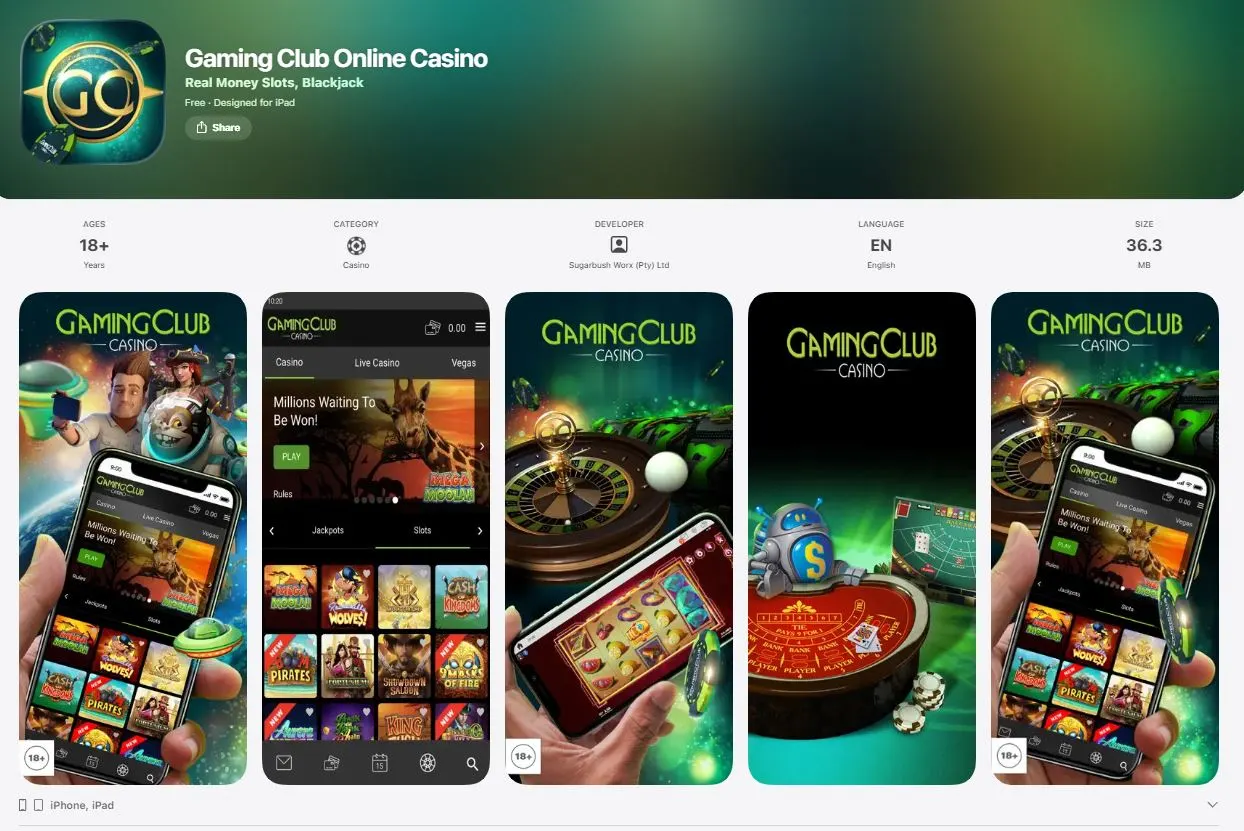
The app downloading process is way easier on devices running iOS. It’s readily available on the App Store like any other native app. Complete these steps, and you will have the casino app available for use:
- Open the App Store.
- Tap ”Gaming Club Casino”.
- Hit Get once the game has popped out.
The installation process is automatic. You can enjoy premium gaming content without downloading any game separately. These are all instant games available in both demo and real money modes.
Updating Gaming Club Casino App
To fix any current problems and enhance the Gaming Club mobile app’s performance, the operator frequently offers new versions. The update is mandatory once available. Apple device owners are notified about the new version and are led straight to the App Store. With only one tap, the application is updated within seconds.
As for Android gadget owners, they will have to delete the current app and redownload it just the same way they did with the previous version. Thanks to the updated application, you will enjoy a more impressive speed of loading, find new slots added in the portfolio, get a more convenient user interface, and gamble with even a higher security level.
Benefits of the Gaming Club App
Choosing to play Gaming Club via smartphone after downloading the app comes with hefty advantages over mobile browser gambling. A downloaded app ensures better performance via smoother and faster game loading (refers to both slots and real money games). For all these fast-paced games where timing and reaction are critical, the extra speed can be decisive.
The mobile app features an enhanced user interface and design for an immersive and simple experience. The app ensures even better graphics and sound quality.
A higher level of security and privacy comes next in importance. Before its launch, the Gaming Club Casino application was checked for security. And due to the biometric login choices like face recognition and fingerprint scanning, no illegal access to your account is possible.